History
Overview
The History page show the list of events in the Ryskview application. There are three different types of event levels: Info, Warning and Error.
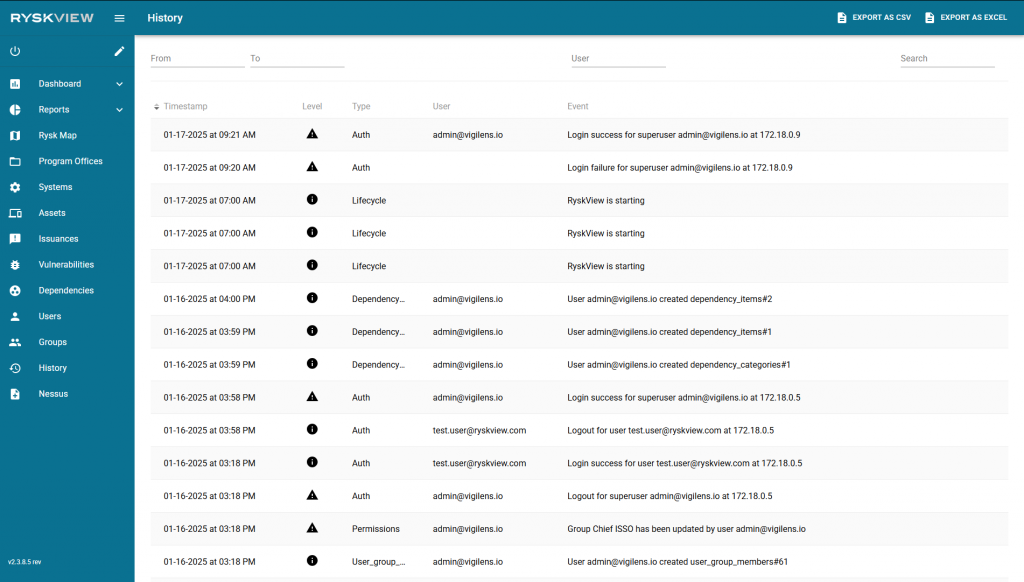
Users can filter these events on the page through a few different methods:
- Users can select a range of dates in the top left corner.
- Users can search through the events by actions taken by a user.
- Users can search keywords using the search bar in the top right corner of the page.
The information displayed can be exported to a .csv or .xlsx file via the buttons in the top right corner for further analysis.